Viewing Certificate Details
After generating a certificate, you can view its full metadata, download the files, or retrieve the Private Key at any time.
Certificate List
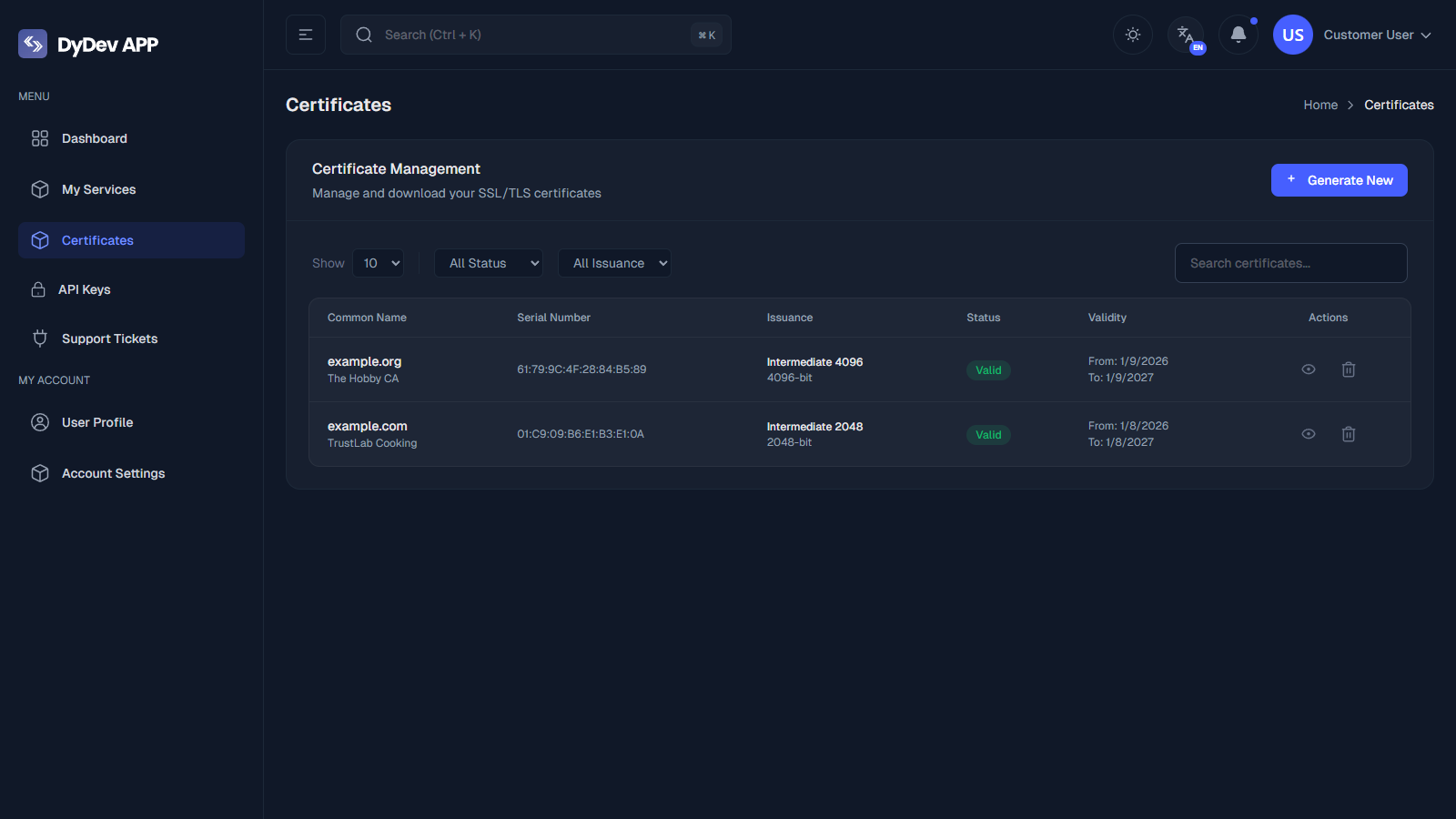
The main Certificates page lists all issuing certificates.
- Status Indicators: Quickly see if a cert is
Valid,Expired, orRevoked. - Search: Filter by Common Name or Serial Number.
Details View
Clicking the View Icon (Eye) or the row opens the detailed management view.
1. Metadata
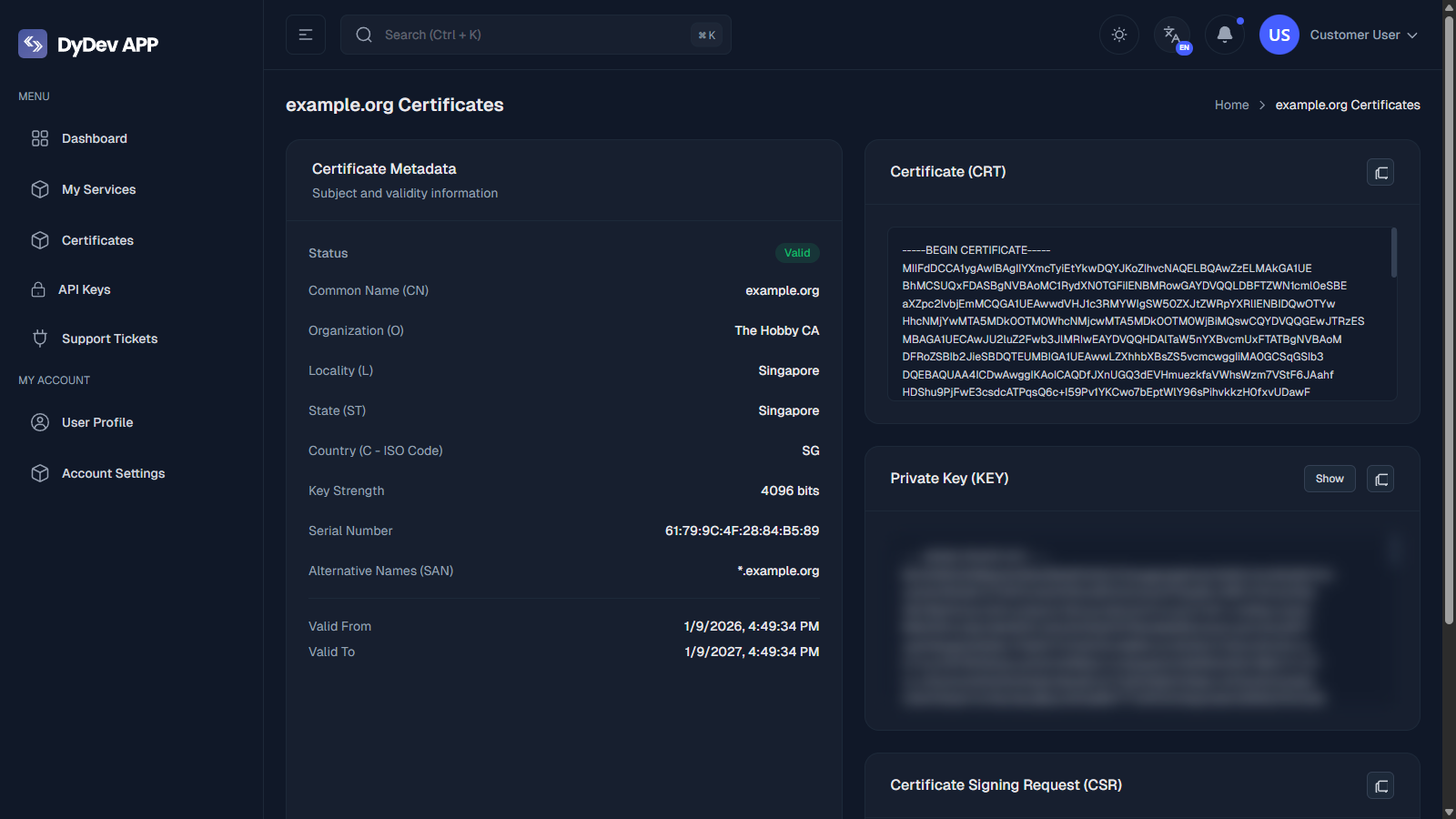
The top section displays critical information:
- Validity Period: Start and End dates.
- Issuer: The CA that signed this certificate.
- Subject Info: Organization, Location, and Country.
- Key Strength: 2048-bit or 4096-bit.
2. Certificate (CRT)
This text box contains the public certificate in PEM format (-----BEGIN CERTIFICATE-----).
- Copy: Click the Copy Icon to copy the full block.
- This is safe to share publicly.
3. Private Key (KEY)
This section contains your secret Private Key.
- Hidden by Default: The specific key content is blurred/hidden for security.
- Show: Click the "Show" button to reveal the key.
- Copy: Click the Copy Icon to retrieve it.
Security Warning: Never share your Private Key. Anyone with this key can impersonate your server.